Old links now lead to the right place
An old setup link now takes a child who has already set up straight to their dashboard. And if you have to sign in after following a link, you land on the page you wanted.
Changelog
The latest updates — what we've been building, fixing, and improving. Have feedback? We'd love to hear from you.
An old setup link now takes a child who has already set up straight to their dashboard. And if you have to sign in after following a link, you land on the page you wanted.
Teachers at the same school can now set a colleague's worksheet for their own classes. If two teachers set the same one, your child sees it once.
When your child reaches their daily goal and wants to carry on, the dashboard now offers Keep practising. On the free plan, the five questions a day still apply.
Your child now gets a surprise Sticker each day they reach their daily goal. Every Sticker is kept in their Sticker Book on the dashboard.
Practice sessions now recover from more brief service interruptions without losing your child's place. Weekly report previews and Outpost actions are back where they belong.
Weekly parent reports now read more naturally while staying grounded in your child's actual practice. Open-ended marking and completed worksheets are also more dependable.
Teachers can now send revision worksheets that bring back questions the class has met before, while Focused Practice gives your child a way forward when every matching question is recent.
Our homepage now shares 15 anonymous reflections from P3–P6 students, giving families a clearer picture of what practising with MCQ.SG feels like before they begin.
Focused Practice now shows how many questions roughly match before your child starts, while teacher-made worksheets prefer questions the class has not already seen.
Brief service resets are less likely to interrupt a session: submissions retry, worksheet access recovers, and recent practice history stays available.
The Outpost now says 'Send Feedback' instead of 'New Letter', and the messaging system behind it is more reliable about carrying replies and updates to the right place.
When an open-ended answer hits a brief marking interruption, MCQ.SG now retries quietly. If it still cannot be marked, your child sees a clear next step instead of a technical error.
A new 'Surprise me' on the open-ended practice card starts a Paper 2 question straight away, with no topic to pick and no setup. Just begin.
If we remove a question from the bank while your child is midway through a worksheet, the session now carries on and keeps their answers, instead of stopping.
When your child reviews a question, one tap now gives them more like it: same topic, same level. And daily practice now stays firmly on your child's own level.
Your child now has one place in the app, the Outpost, where our feedback on their work and our replies to them live together, instead of showing up as a banner that's easy to miss.
Your child can now choose to practise open-ended questions on their own: pick the topic, drill just those, instead of only meeting them mixed into daily practice.
The Manage Subscription panel was hard to read. It now shows your current plan, your next renewal date in Singapore time, and your last payment in one place. Plus a few small Pro→Ranger leftovers tidied up.
Your child now sees worksheets as proper revision sets, with covers, editorial detail, and a results page that shows where each mark actually came from.
Your child can now practise PSLE Paper 2 — structured table answers with an AI coach that helps them strengthen their reasoning. P6, Ranger tier.
Study group dashboards now show which questions the class is finding hard, and which ones revealed a shared misconception. Plus a much faster Questions tab, focused-practice share links, and a handful of fixes.
A few new emails (welcome, trial-ending, back-to-practice) sent only when they actually help. Plus better-formatted weekly reports and a smoother signup.
Every account now starts on our full Ranger tier for 14 days with no credit card — after that, your child stays on the free Explorer tier with 5 daily questions and full AI tutor access. No expiry.
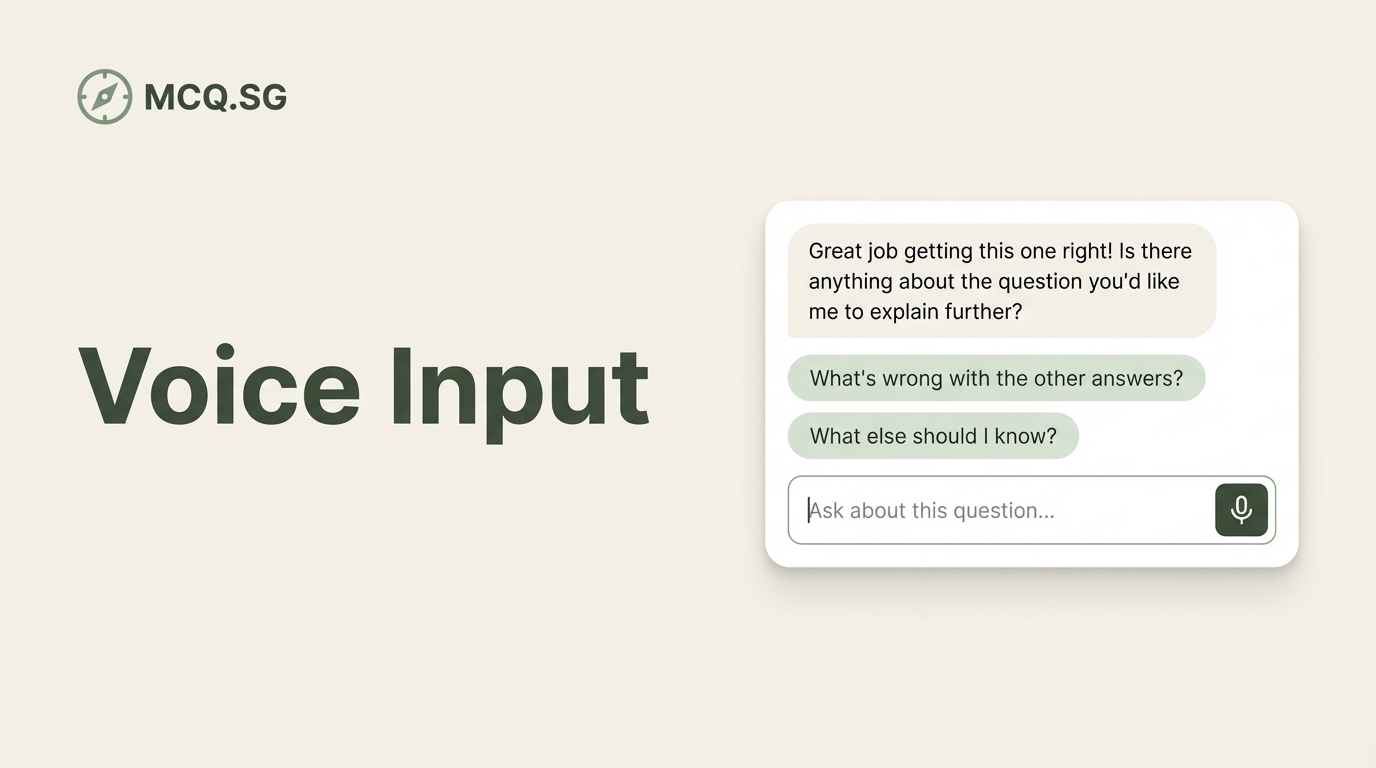
Your child can now talk to the AI tutor using their voice — and ask for hints before answering a question, not just after. Two big upgrades to how they learn with MCQ.SG.
Your child can now revisit any question they've already completed — reviewing their answer, the explanation, and chatting with the AI tutor again. Great for revision before exams.
The AI tutor now leads with a clear explanation before diving deeper — and we've added a new in-app messaging system so we can share tips and updates directly with your child.
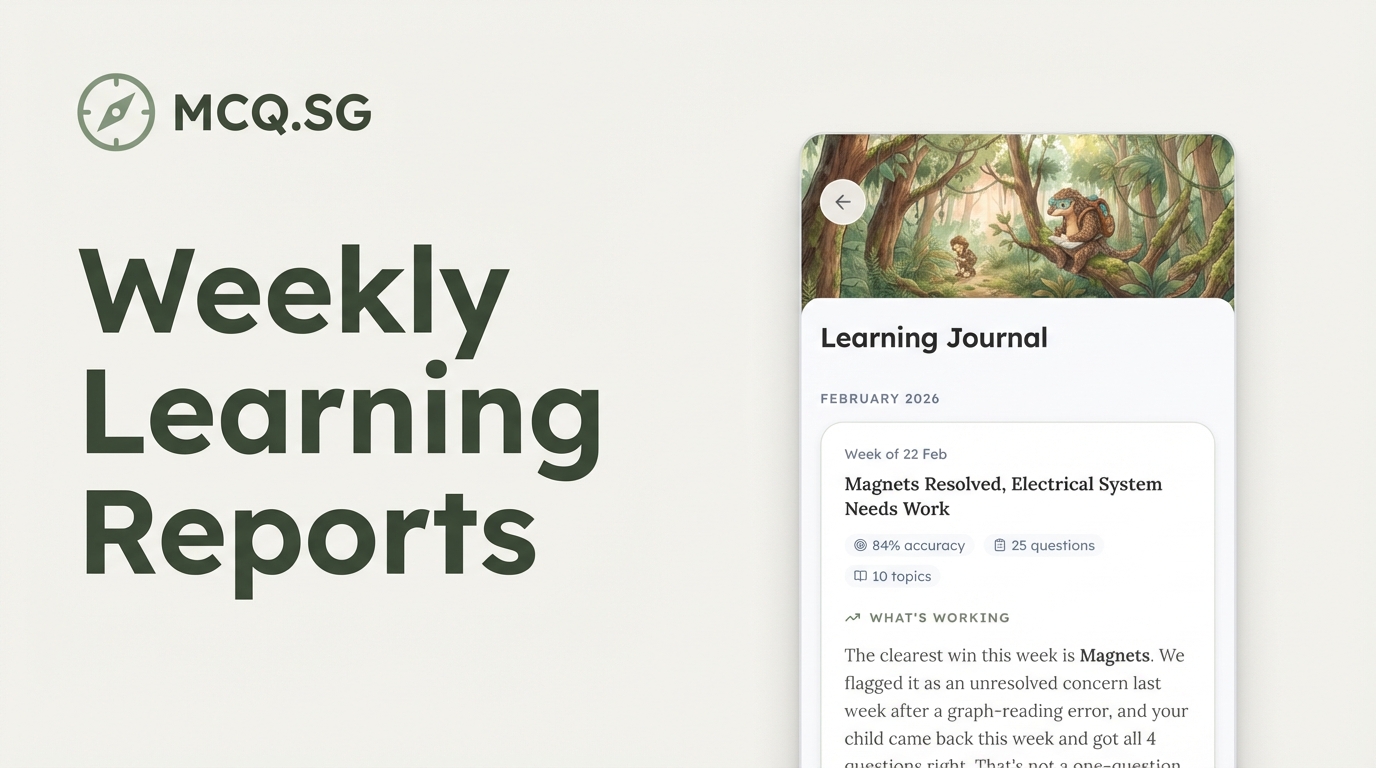
Personalised weekly reports for parents — covering topics practised, accuracy trends, and specific questions your child found tricky. Generated every Sunday in the Learning Journal.
The practice history page has been redesigned with infinite scroll, filters by topic and result, and links from progress to history.
AI explanations now render with proper formatting and diagrams. We also added 6 new topic pages and a difficulty selector for focus practice.
Students can now set their own daily practice goal, and schools can create class accounts with simple password login — no email required.
A new weekly summary shows your child's practice rhythm with growing plant visuals — plus email updates so you stay in the loop without opening the app.
Finding questions is now instant — with semantic search that understands what you mean, not just what you type. Navigation feels snappier too.
Students can now tap any question to chat with an AI tutor that explains the answer in plain language — and follows up if they're still confused.